Search
Tutorial
How to create a Website with Hugo and Sveltia CMS using Hugolify
This tutorial guides you through creating a Website editable via Sveltia CMS.

Search
Tutorial
This tutorial guides you through creating a Website editable via Sveltia CMS.
/config/_default/module.yaml
imports:
  # Add hugolify-theme-bootstrap too for hugolify-theme v2
  - path: github.com/hugolify/hugolify-theme
  - path: github.com/hugolify/hugolify-admin
Feel free to add some type of content Hugolify modules (sections and taxonomies).
imports:
  # Content type modules examples
  - path: github.com/hugolify/hugolify-theme-posts # section
  # Required modules
  - path: github.com/hugolify/hugolify-theme
  - path: github.com/hugolify/hugolify-admin
/config/_default/params.yaml
admin:
  cms: sveltiacms # set Sveltia CMS as CMS for Hugolify
  repo: Hugolify/hugolify-demo-sveltiacms # set your repository’s url
  collections:
    indexes:
      enable: false # disable unused collection
Install packages
yarn
To launch Hugo project with livereload.
yarn watch
Edit all your content in http://localhost:1313/admin/.
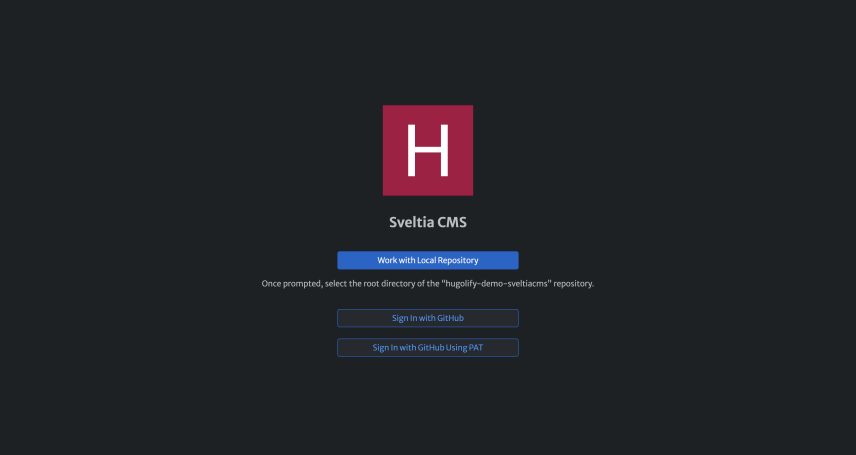
Sveltia CMS, signin page
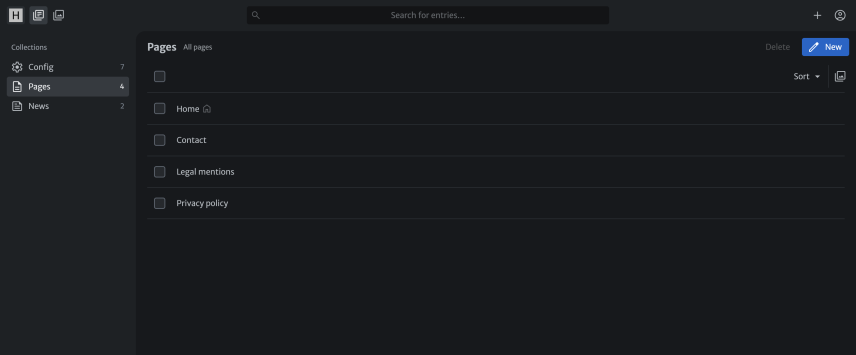
Sveltia CMS, pages list
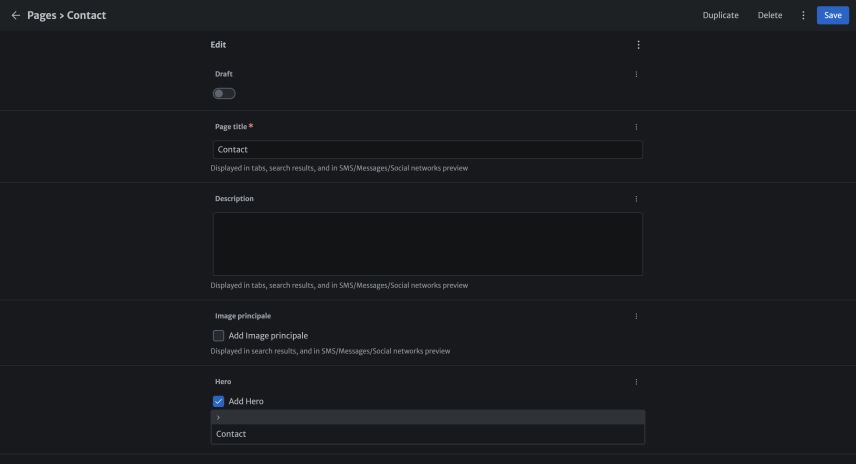
Sveltia CMS, contact page
Host your website on Netlify or others hosters.
Table of contents
Table of contents